Embed a PDF editor in your app
Import this React component in your app and wrap any link or element with the component.
import { EmbedPDF } from '@simplepdf/react-embed-pdf';

<EmbedPDF companyIdentifier="yourcompany"><a href="https://cdn.simplepdf.com/simple-pdf/assets/example_en.pdf">A PDF example</a></EmbedPDF>
Sign up to get your own branded editor URL
One line of code. That's it.
<iframe src="https://yourcompany.simplepdf.com/en/documents/71b1ae48-4d84-422a-a3ed-83fee8ee4c79" />How does it work?
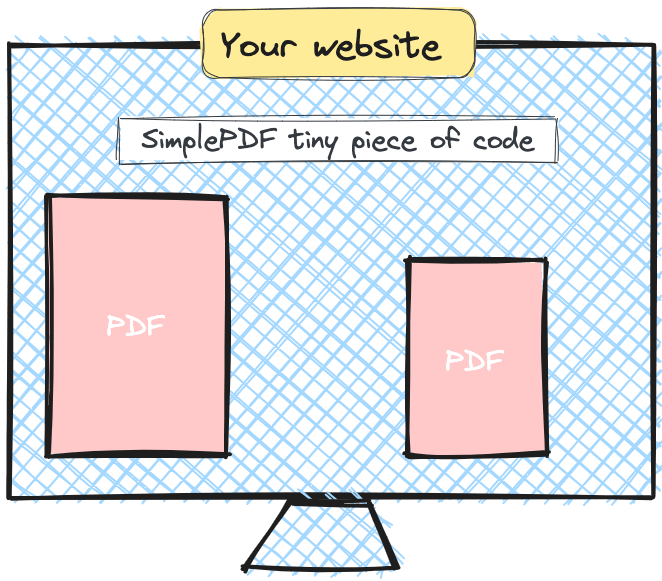
1.Add one line to your site
Works with React, vanilla JS, WordPress, Bubble, or a plain iframe.
Try the interactive demo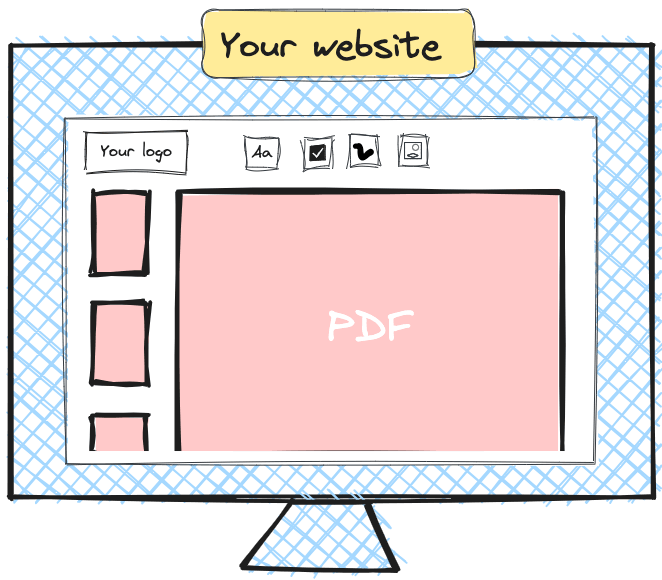
2.Your users fill and sign PDFs in-place
PDFs open directly in your page. Users fill fields, add signatures, and submit: no downloads, no external tools.
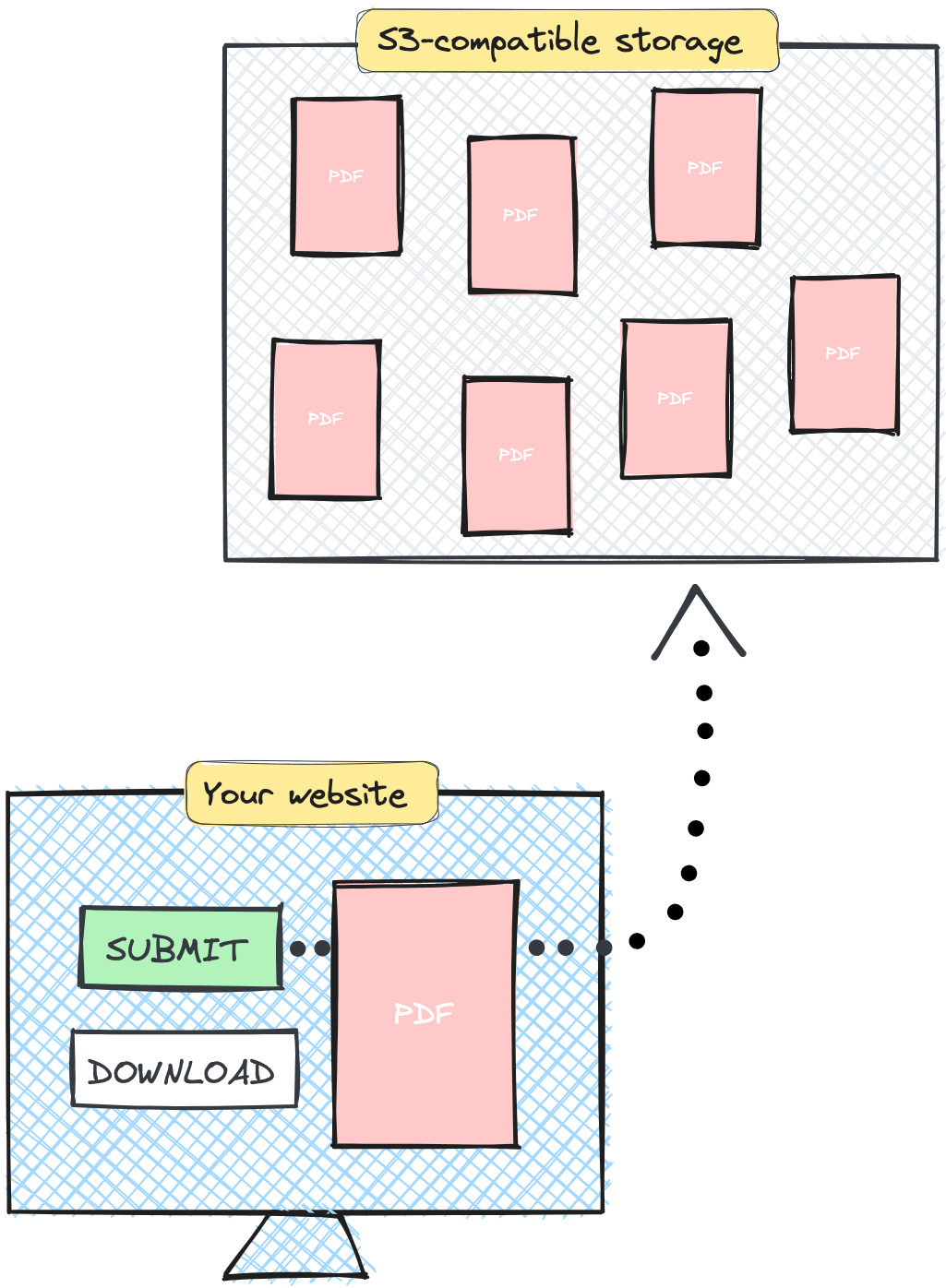
3.Documents land in your storage
Submissions go to your S3, Azure, or SharePoint storage, or ours. Your data, your rules.
Bring your own storage
4.Get notified on every submission
Webhooks, email, or connect to your automation pipeline.
Email notificationsWebhook integrationRobocorp integrationBuilt for regulated industries
HIPAA-friendly architecture
Documents are edited in the browser, not on a server. On submit, with Bring Your Own Storage (S3, Azure Blob Storage, and SharePoint) completed files go straight to your own storage instead of ours. GDPR compliant and HIPAA-friendly by architecture.
Instant loading, zero latency
Everything runs in the browser. No files uploaded, no server round-trips. Your users start filling immediately.
No signup for end users
Your users fill out forms immediately. No account creation, no friction, no drop-off.
White-label ready
Your logo, your colors, your domain. Users see your brand throughout the editing experience.
Got any questions?
Is SimplePDF HIPAA compliant?
For paid workflows involving PHI, use Bring Your Own Storage so completed documents go directly to your own storage. A BAA is available upon request.
Learn more about HIPAA compliance.