SimplePDF updates

We release updates weekly. Here are the ones worth knowing about.

Unlock picture aspect ratio

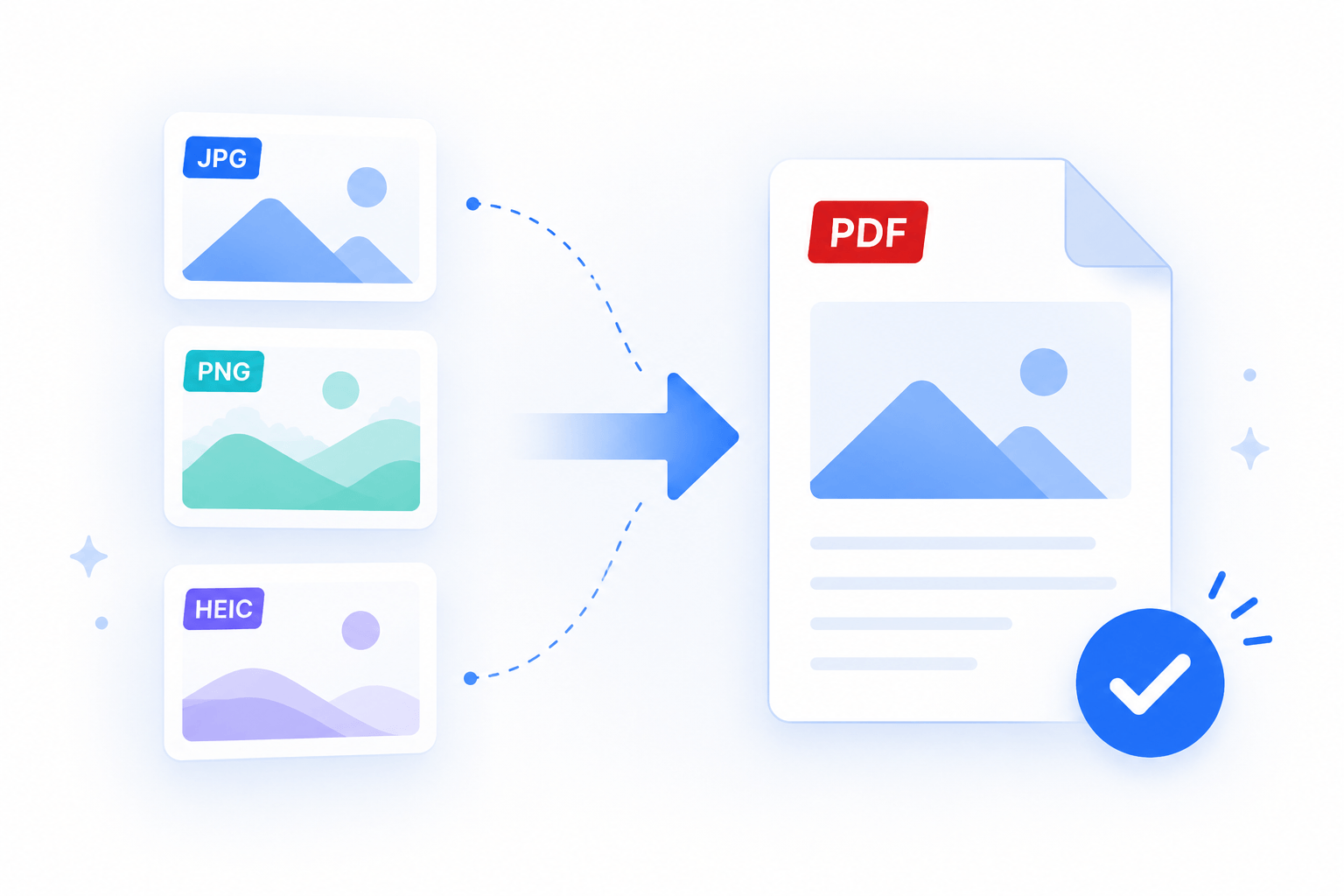
Hold the modifier key while resizing a picture to unlock its aspect ratio. Stretch or squish images freely to fit any space on your document.

Edit password-protected PDFs

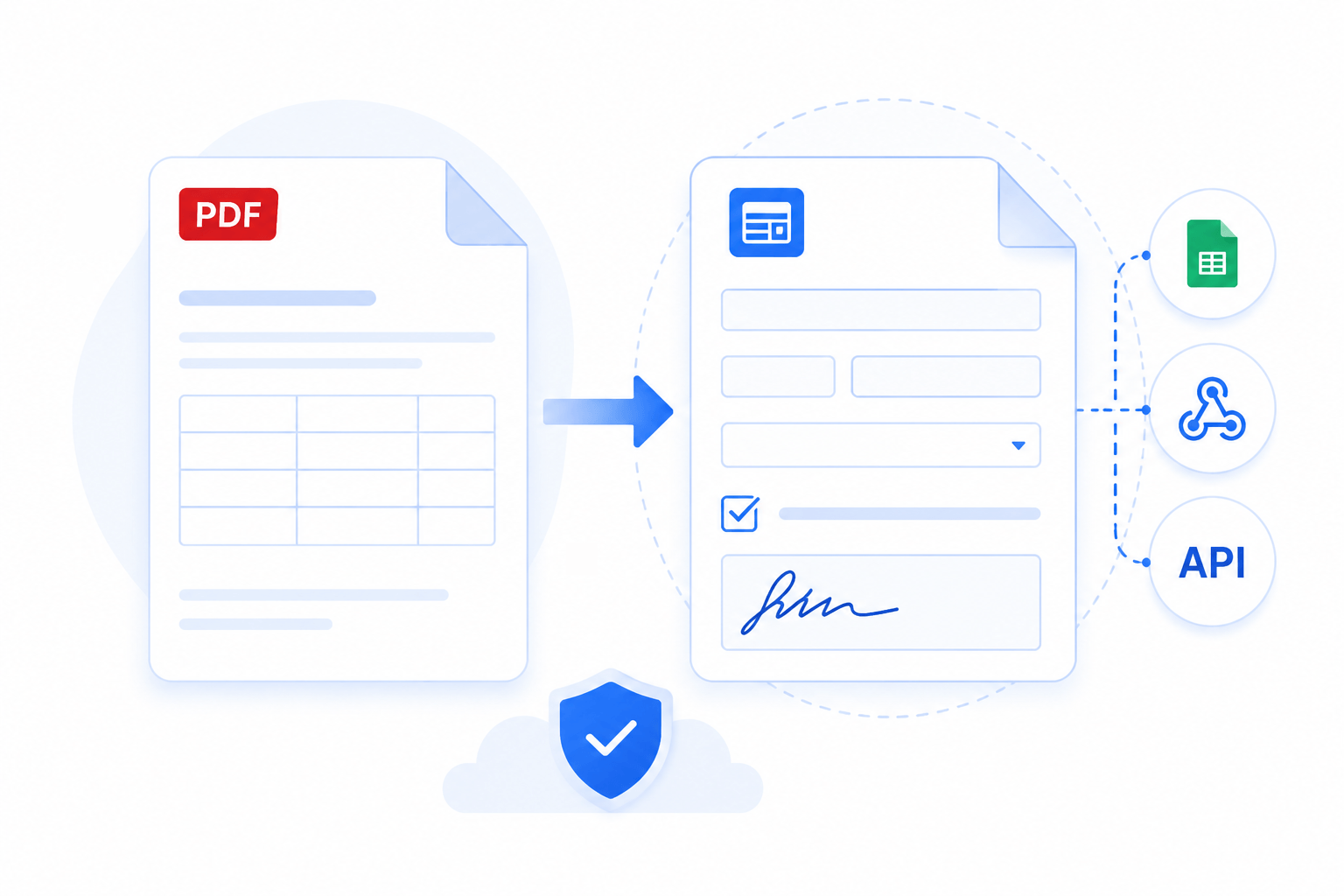
You can now open and edit password-protected PDFs directly in the editor. Enter the password to unlock, fill in your fields, then download. Choose to keep the password protection or remove it before saving.

Password-protected documents in your dashboard

Upload password-protected PDFs to your dashboard. When uploading, choose whether the document and submissions should keep the password protection. Encrypted documents show a lock icon in the documents list.

Revamped user management

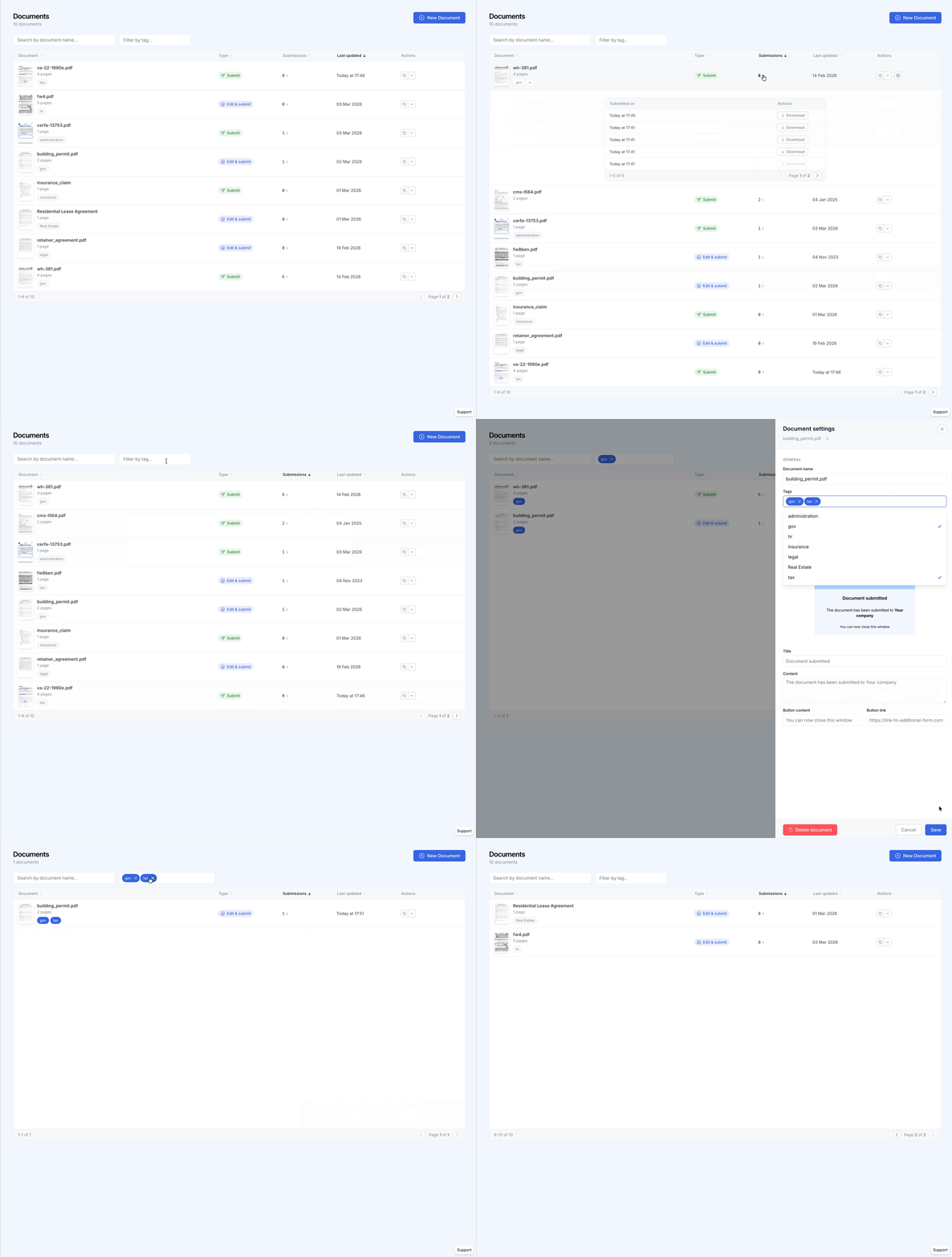
Manage all your company members from a single place. Invite new members, update roles, search across your team, and navigate through paginated results.

Smart background detection

Form fields now automatically adapt to the colors of your PDF. Text, checkboxes, and signatures adjust their appearance based on the background beneath them, so your filled documents always look clean and professional.

Revamped document view

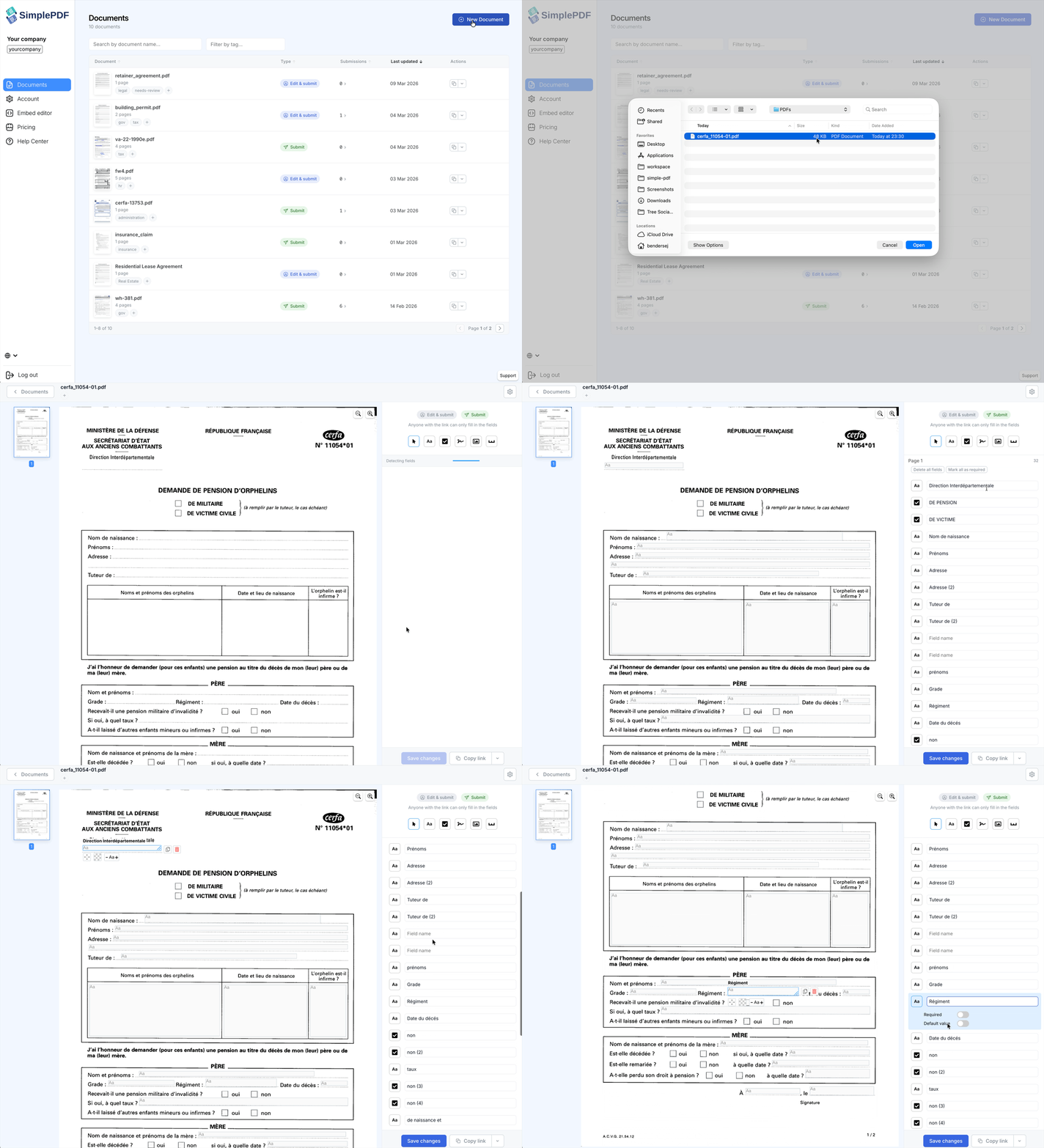
The revamped document view now detects form fields automatically in your PDF, helping you save time on manual setup. Review detected fields, add them in one click, fine-tune the result, save, and copy the share link.

Revamped document view with automatic field detection

WebMCP support

Connect browser-native AI agents to SimplePDF through WebMCP tools for reading and controlling embedded documents.

Programmatic field filling

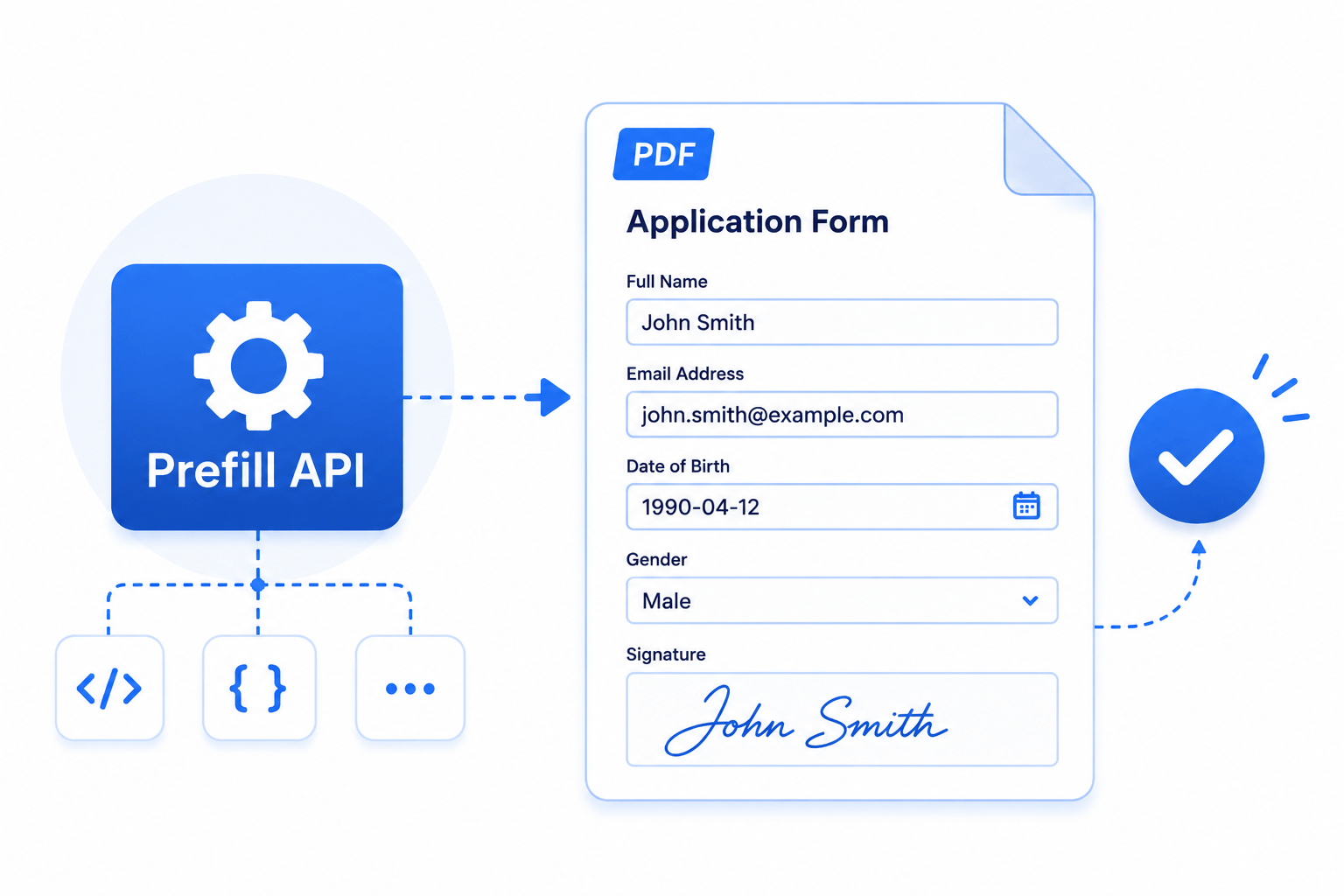
Fill text, checkbox, signature, and picture fields from your app with the SET_FIELD_VALUE iframe event.

Programmatic field focus

Move focus to a specific field in the embedded editor with the FOCUS_FIELD iframe event.

Read fields programmatically

Retrieve available fields and their current values from embedded documents with the GET_FIELDS iframe event.

OpenAPI specification updated to 3.1.0

The API specification has been updated from OpenAPI 3.0.3 to 3.1.0.

API documentation

Configurable signature input modes

Choose which signature input methods are available to your users: drawn signatures, typed signatures, or both. Useful for complying with regulations that require handwritten signatures.

Learn more

Press Enter to confirm signature

You can now press Enter to confirm and close the signature modal, for both drawn and typed signatures.

Widget documentation on Context7

Documentation for React, iframe, and web widgets is now available through the Context7 MCP server for AI-assisted development.

View documentation

Iframe origin validation

Improved security with origin validation for embedded widgets.

Unified error display

Improved error handling in embedded widgets with consistent, user-friendly error messages.

Dutch language support

SimplePDF is now available in Dutch (Nederlands), including all UI elements and email communications.

Programmatic field management

Remove form fields programmatically via iframe events (REMOVE_FIELDS). Perfect for automation workflows.

View documentation

Deep link to PDF pages

Link directly to a specific page in a PDF using the ?page=N query parameter. Works in both editor and embedded widgets.

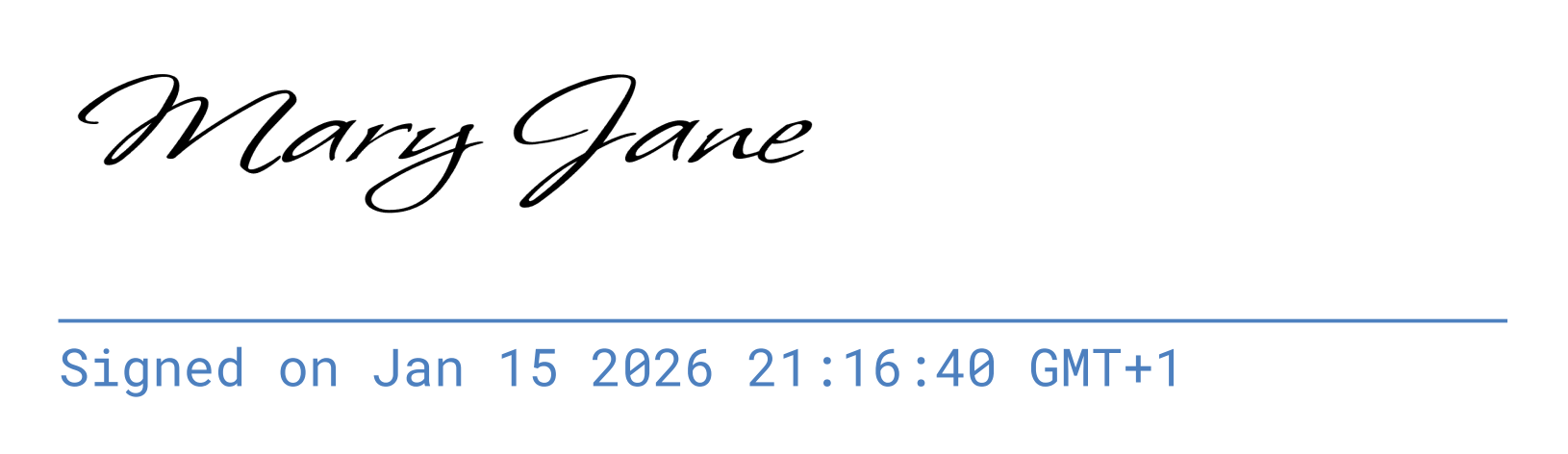
Configurable signature timestamps

Signatures can now include customizable timestamps for compliance and audit purposes.

Configurable signature timestamps

Form fields customization

New customization options for form fields, giving you more control over the behavior of your PDF forms.

Azure Blob Storage support

Load PDFs directly from Azure Blob Storage using SAS tokens for secure, time-limited access.

Inbound iframe communication

Control the embedded editor via postMessage events: navigate pages, select tools, load documents programmatically.

Learn more

Japanese language support

SimplePDF is now available in Japanese (日本語), including all UI elements and email communications.

S3 path-style URL support

Load PDFs from S3-compatible storage using path-style URLs, supporting MinIO and other S3-compatible services.

Viewer mode

New read-only viewer mode that hides the 'New' and 'Download' buttons. Perfect for document preview scenarios.

Disable snapping hint

Hold Shift while dragging to disable field snapping for precise positioning.

New domain: simplepdf.com

SimplePDF is now available at simplepdf.com with a fresh new logo and branding.

Revamped editor placeholder

New welcoming placeholder when no document is loaded, with clear instructions and quick actions.

Language selector

Easily switch between supported languages from any page using the new language selector in the footer.

Custom submission confirmation

Configure custom confirmation messages and redirect URLs after form submission.

Delete submissions

Remove unwanted form submissions directly from your dashboard.

Tamil and Hindi support

SimplePDF now supports Tamil (தமிழ்) and Hindi (हिंदी) languages.

Higher signature resolution

Signatures are now rendered at higher resolution for crisper appearance in printed documents.

Type your signature

New option to type your signature instead of drawing it. Choose from multiple font styles.

Improved reliability

Added automatic retry logic for submissions and uploads, reducing failures due to temporary network issues.