How to convert a PDF to Markdown for AI with SimplePDF
Feeding a PDF to a language model usually means copy-pasting a wall of raw text. The document's structure is lost, the token count balloons, and the model has to guess where a heading ends and a table begins. Converting the PDF to Markdown first keeps that structure, so the model reads a clean document instead of a flat string.
SimplePDF extracts the content of any PDF as Markdown, directly in the editor. This guide covers how to do it and why Markdown is the right format when the reader is an LLM.
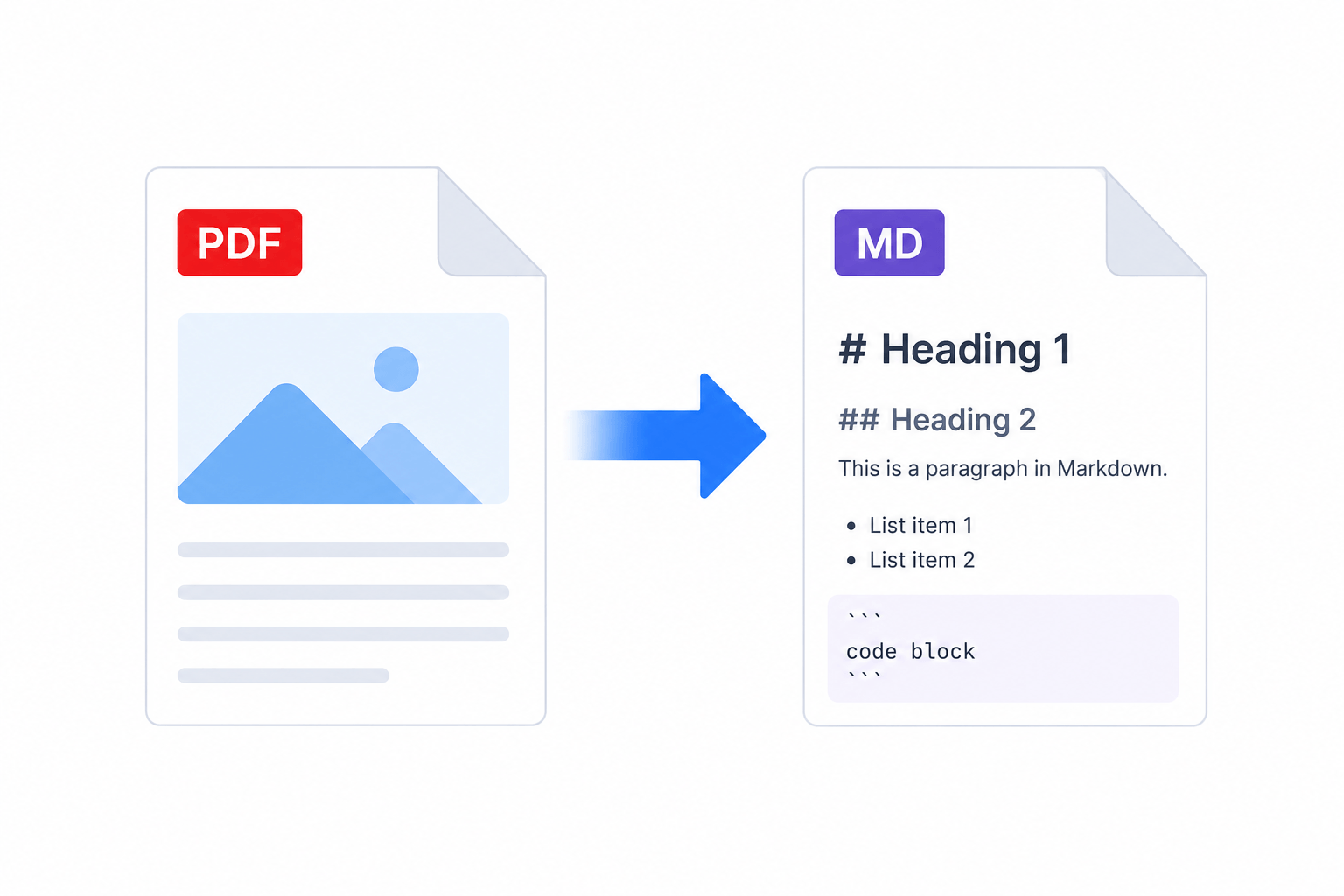
#Why Markdown instead of raw text
- Often fewer tokens. Markdown carries structure with a handful of characters (
#,-,|) instead of the whitespace-heavy layout a raw text dump preserves. Less noise per page usually means fewer tokens per request, and tokens are what you pay for and what fills the context window. The exact saving depends on the document and the tokenizer. - Clearer structure for the model. Headings, lists, and tables tell the model how the document is organized. A model reading
## Invoice totalfollowed by a table has more to work with than one parsing an unlabeled block of numbers, which tends to help on questions that depend on layout. - Portable. Markdown drops straight into a RAG pipeline, a prompt, a chunker, or a note-taking app without further cleanup.
#Extract a PDF as Markdown
- Open your document in the SimplePDF editor (drag a file in, or open one from your device)
- In the sidebar, open the menu next to the Download button
- Choose Extract content
- Pick Copy to clipboard to paste the Markdown straight into your model, or Download as file to save a
.md
The extraction includes the values already in the document: typed text, checked boxes, and signature markers, so the Markdown reflects what the PDF actually says, not just its blank template.
#Everything runs in your browser
The extraction happens locally, on your device. The PDF is not uploaded to a server, which matters when the document is a contract, a medical record, or anything you would not paste into a third-party converter. You get the Markdown without the document ever leaving your machine.
#Opening the downloaded .md file
The download is a .md file with the correct Markdown type, ready for any tool that speaks Markdown. On macOS it opens in TextEdit; on Windows, double-clicking prompts you to pick an app the first time, since Windows has no default handler for .md. Choose your editor of choice (VS Code, Notepad, Obsidian) once and Windows remembers it. If you only need the text in a prompt, use Copy to clipboard and skip the file entirely.
That's it! Your PDF is now clean Markdown, ready to feed to an LLM with fewer tokens and better structure.
If you have any questions, feel free to reach out to support@simplepdf.com